
What Is Retrieval-Augmented Generation? RAG Explained for Business
RAG, explained without the jargon. What retrieval-augmented generation is, how it works step by step, when to use it, and the 5 mistakes that ruin most RAG projects.
June 17, 2026
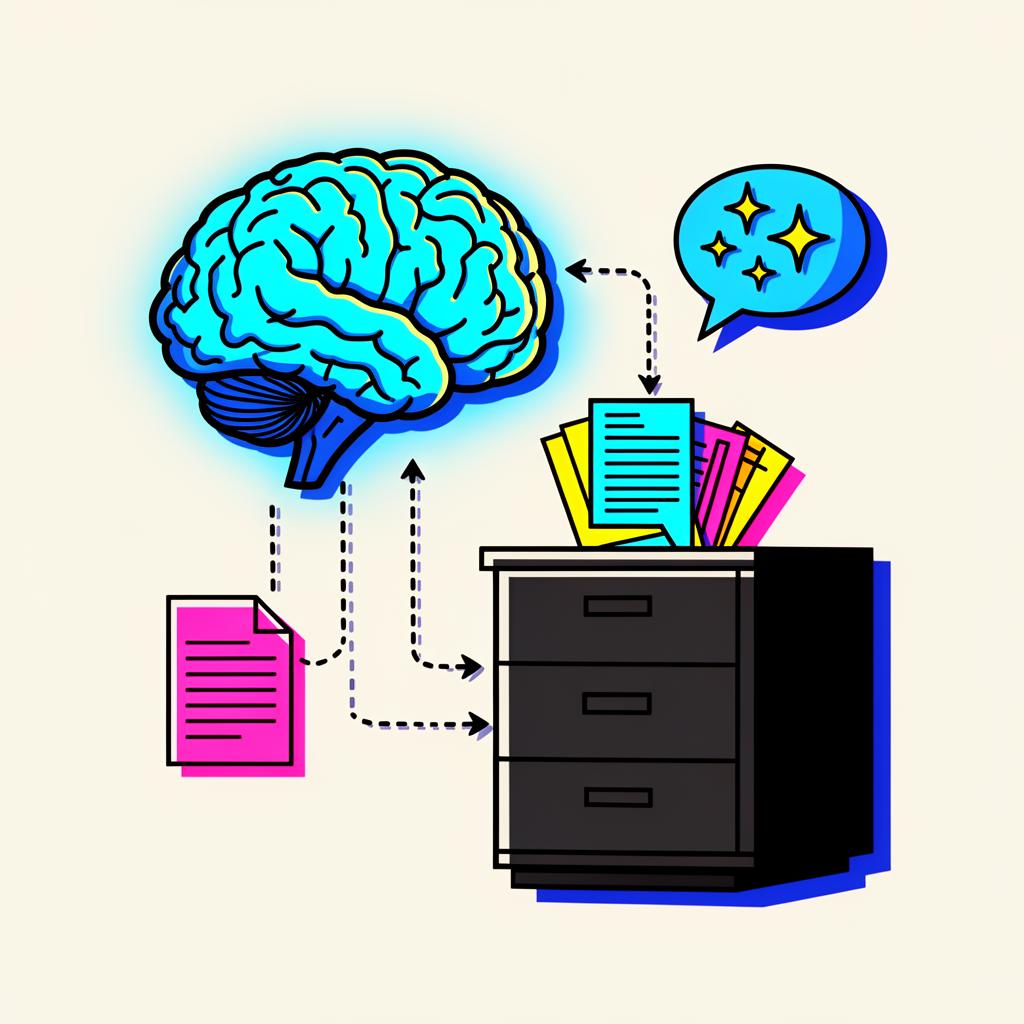
Ask ChatGPT what your company's refund policy is, and it will make something up — confidently, plausibly, and wrong. The model doesn't know your business. It only knows what was in its training data.
Retrieval-augmented generation (RAG) is the fix. Instead of relying on what the model memorised, you retrieve the right documents from your own data at the moment of the question and feed them to the model alongside the prompt. The model then generates an answer grounded in those documents.
That single idea — retrieve, then generate — is behind almost every useful "AI assistant for your data" product on the market today. This article explains how it works, when to use it, and the mistakes that ruin most first attempts.
TL;DR — What is RAG?
RAG is a technique for giving a language model access to information that wasn't in its training data. You take the user's question, search a private knowledge base for relevant snippets, paste those snippets into the prompt, and ask the model to answer using them. The model's job becomes synthesis, not recall — which is what it's good at.
In this guide
- Why RAG exists
- How RAG actually works, step by step
- When to use RAG (and when not to)
- The 5 mistakes that ruin most RAG projects
- RAG vs fine-tuning vs long context
- FAQ
<a id="why-rag"></a>
Why RAG exists
Large language models have three well-known problems:
- They hallucinate. They produce confident text that isn't true.
- They have a knowledge cut-off. They don't know what happened after their training date.
- They don't know your data. Your contracts, your wiki, your policies, your customer history.
You can't fix any of these by writing a better prompt. The information simply isn't in the model. RAG fixes them by injecting the information at the moment of the question.
Beyond accuracy, RAG also gives you citations — the snippets used to answer — which is essential for any business use case where the answer must be auditable.
<a id="how-it-works"></a>
How RAG actually works, step by step
A RAG pipeline has two phases: indexing (done once or on a schedule) and retrieval + generation (done per question).
Indexing — preparing your data
- Collect documents. Wiki pages, PDFs, support tickets, contracts. Anything you want the assistant to "know."
- Chunk them. Split each document into smaller pieces — typically 200–800 words — because models can't fit a 200-page PDF into a single prompt, and retrieval works better on focused chunks.
- Embed each chunk. An embedding model turns text into a vector (a list of numbers). Chunks with similar meaning end up near each other in vector space.
- Store the vectors in a vector database (Pinecone, Weaviate, pgvector, Chroma, Qdrant, etc.) along with the original text and metadata.
Retrieval + generation — answering the question
- Embed the user's question using the same embedding model.
- Search the vector database for the top k chunks most similar to the question (typically k = 4–10).
- Build a prompt that contains the question, the retrieved chunks, and instructions like "Answer using only the context below. If the answer isn't there, say so."
- Generate. The LLM produces an answer grounded in the retrieved chunks. Usually you also return the chunk sources as citations.
That's the whole loop. The "magic" lives in steps 2, 3, and 6 — the parts most beginners get wrong.
[ User question ]
        │
        ▼
   embed → vector search → top-k chunks
                              │
                              ▼
     [ Prompt: question + chunks + rules ]
                              │
                              ▼
                         LLM answer + citations
<a id="when"></a>
When to use RAG (and when not to)
RAG is the right tool when:
- The answer depends on private, frequently-changing data (policies, product catalog, support history, internal wiki).
- You need citations for trust or compliance.
- The knowledge base is too big to fit in the model's context window.
- You want a single Q&A interface over many sources.
RAG is the wrong tool when:
- The task is generation without reference data (write a poem, brainstorm names).
- The answer requires complex multi-step reasoning that retrieved snippets can't shortcut.
- You need a specific style or persona consistently — that's a fine-tuning job.
- Your "knowledge base" is one short document — just paste it into the prompt.
If you're choosing between RAG and other AI patterns, our piece on prompt engineering techniques that work covers when prompting alone is enough.
<a id="mistakes"></a>
The 5 mistakes that ruin most RAG projects
1. Bad chunking
Chunking is where most RAG projects quietly die. If you chunk by character count without respecting structure, you split a sentence in half and lose meaning. Chunk by paragraph or heading, keep some overlap (50–100 tokens) between chunks, and store the parent document so you can show context around a hit.
2. Using a weak embedding model
The cheapest embedding model on the market is usually a false economy. A better embedding model produces dramatically better retrieval at a tiny cost difference per query. Benchmark on your own data — generic leaderboards mean little.
3. Skipping evals
A RAG system either retrieves the right chunks or it doesn't. If you never measure retrieval precision/recall on a test set, you can't tell whether your "improvements" help. Build an eval set of 20–50 real questions with the expected source chunks, and run it on every change.
4. Treating retrieval as a single step
Production RAG is rarely a single vector search. It's often: query rewriting → hybrid search (vector + keyword) → re-ranking → maybe a follow-up retrieval if the first pass isn't enough. Each step earns its place if you measure it.
5. Pretending the model can't hallucinate inside RAG
It still can. Strong instructions help ("only use the context below; if the answer isn't there, say 'I don't know'"), but you should also display the citations and let the user verify. RAG reduces hallucinations; it does not eliminate them.
<a id="vs"></a>
RAG vs fine-tuning vs long-context prompting
The three approaches are not interchangeable.
| Approach | Best for | Cost | Updates |
|---|---|---|---|
| Long-context prompt | One-off, small document | Cheapest | Trivial — change the prompt |
| RAG | Many docs, frequently updated, needs citations | Moderate | Easy — re-index changed docs |
| Fine-tuning | Consistent style/persona, narrow task | High up front | Hard — retrain to update |
Most production "AI for your data" systems are RAG. Fine-tuning is for narrow, repeatable behaviour (a brand voice, a structured-output specialist). Long context is the right answer when the document is small enough that retrieval is overkill.
You can also combine them — fine-tune a model for tone, then plug it into a RAG pipeline for facts. Most serious deployments end up doing exactly that.
RAG in 2026 — what's changed
Three trends worth knowing:
- Hybrid search is the default. Pure vector search has been replaced by vector + keyword (BM25) + a re-ranker. The lift is large.
- Agentic retrieval is mainstream. Instead of one query → one search, the model decides whether to search, what to search for, and when to follow up.
- Long context is cheaper but doesn't kill RAG. Even with 1M-token context windows, retrieval is faster, cheaper, and gives you citations. RAG isn't going away.
If you're rolling RAG into a team's workflow, our piece on how to lead an AI-driven team covers the people side, and the best AI tools for business analysts lists analyst-facing options that ship with RAG built in.
<a id="faq"></a>
FAQ
What does RAG stand for? Retrieval-augmented generation. "Retrieval" because you search a knowledge base first; "augmented generation" because the model's output is augmented with what you retrieved.
Is RAG the same as an AI agent? No. RAG is a technique; an agent is an architecture. Many agents use RAG as one of their tools, but an agent also plans, takes actions, and uses other tools beyond search.
Do I need a vector database to do RAG? Strictly, no — you can keyword-search with Postgres and get useful results. But once your knowledge base grows beyond a few thousand chunks, a proper vector database (or pgvector inside Postgres) makes retrieval much better.
What's the cheapest way to try RAG? Use an off-the-shelf platform — ChatGPT's "Projects," Claude's "Projects," Notion AI's workspace Q&A, or NotebookLM — and upload a small corpus. You'll get a feel for what RAG does without writing any code. From there, build a custom pipeline only if you hit a limit.
Can RAG see my customer data securely? Yes, if you self-host or use enterprise tiers of vendors that don't train on your data. Always read the data-use policy of the embedding and LLM provider.
Next steps
If you're new to RAG, the fastest way to internalise it is to build a tiny version yourself — index a few dozen of your own documents and run real questions against it. Our free crash courses include a hands-on RAG walkthrough, and the Hero Program covers the design choices that take RAG from demo to production.